OLED 4K 240 Hz Gaming Monitors: Is It Worth Upgrading to the New Generation of Displays for PS5 and High-End Gaming PCs?
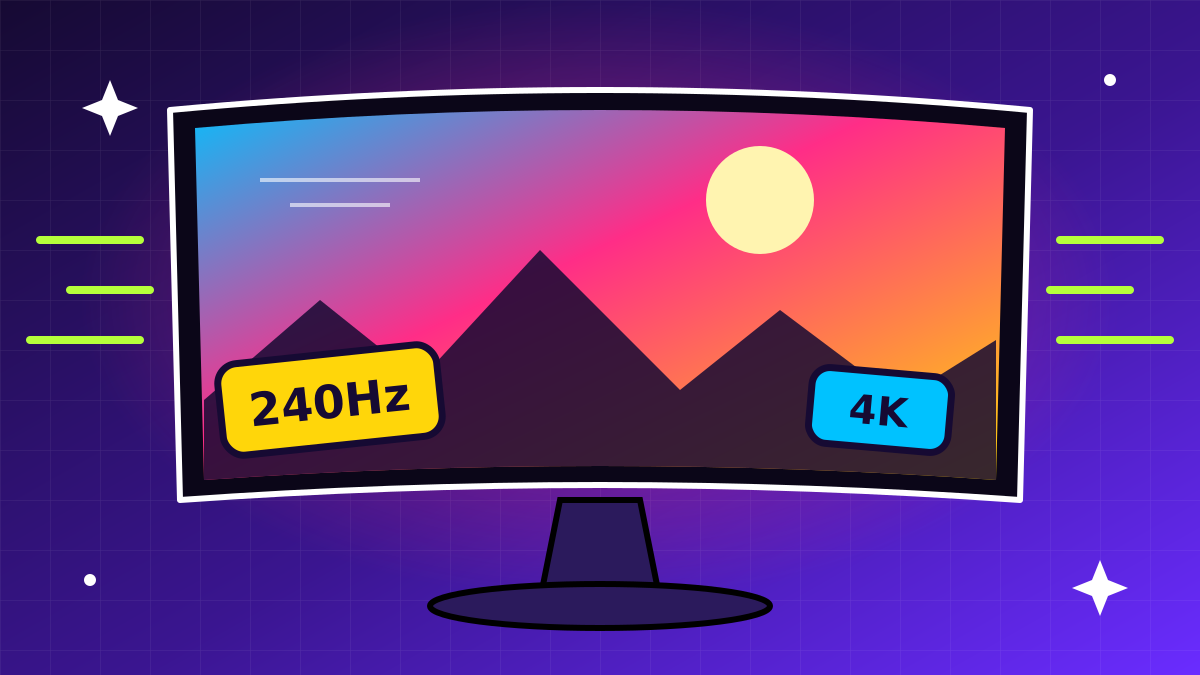
Back in 2023 the choice was harsh: 4K, high refresh rate or OLED — pick one. With the arrival of 32-inch 4K 240 Hz panels, that compromise is gone: a single monitor now combines sharpness, speed and infinite contrast. Here is what the new generation offers and whether PS5 owners and high-end PC gamers should upgrade.
What has changed in the new generation
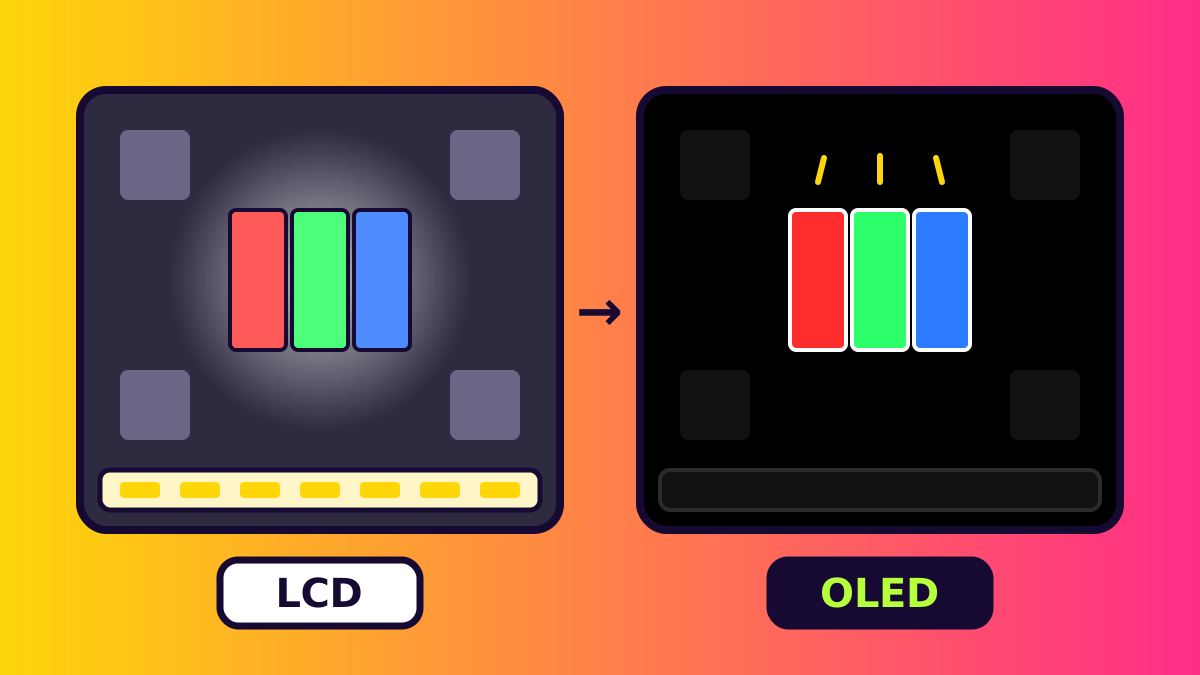
Two panel technologies dominate the market. QD-OLED from Samsung Display uses quantum dots and is known for especially saturated colours. WOLED from LG Display delivers deeper blacks in bright rooms, and some models support a “dual mode”: 4K at 240 Hz or Full HD at 480 Hz for esports. Each new panel generation raises peak brightness, improves the subpixel layout (less colour fringing on text) and lowers burn-in risk.
- Response time of about 0.03 ms (GtG) — practically no motion blur.
- Contrast — infinite: every pixel emits its own light, with no backlight and no blooming.
- HDR — VESA DisplayHDR True Black 400 certification or higher, with peak brightness of up to ~1000 nits in small areas.
- Pixel density — about 140 ppi on 32″ and up to ~166 ppi on 27″ 4K models.
PS5 and PS5 Pro: what console players get
The key here is not to overpay. PlayStation 5 and PS5 Pro output a maximum of 4K at 120 Hz over HDMI 2.1, with VRR and ALLM support. The console does not use 240 Hz. Even so, a 4K 240 Hz OLED monitor with an HDMI 2.1 port gives PS5 perfect blacks, excellent HDR and instant response — a huge difference compared with a regular IPS monitor.
If the monitor is only for console gaming, consider alternatives too: a 4K OLED monitor at 144–165 Hz or a small 42–48-inch OLED TV. These are often cheaper while delivering the same picture on PS5.
Gaming PC: where 240 Hz shines
Fully driving 4K 240 Hz requires a top-tier graphics card such as a GeForce RTX 5080/5090 or Radeon RX 9070 XT, and in heavy AAA games you will need upscaling (DLSS 4, FSR 4) and frame generation. In esports shooters (Counter-Strike 2, Valorant, Overwatch 2), 240 fps at 4K is achievable without any tricks.
Pay attention to the interface: DisplayPort 2.1 (UHBR20) can carry 4K 240 Hz with 10-bit colour without DSC compression, and the latest graphics cards support it. With DSC over DisplayPort 1.4 the image is also visually lossless, but mode switching can sometimes be limited.
Burn-in: how real is it?
Burn-in risk has fallen but not disappeared. Manufacturers protect panels with pixel shifting, automatic panel refresh cycles and cooling, and leading brands offer 2–3-year warranties that explicitly cover burn-in. To extend screen life, use a dark theme, auto-hide the taskbar and avoid leaving static images on screen for hours.
Bottom line: who should upgrade
- Definitely worth it — for owners of powerful PCs who play both AAA games and competitive shooters.
- Worth it with caveats — for those who play on both PS5 and PC: the console gets a better picture but will not use 240 Hz.
- You can wait — if you work with static interfaces for 10+ hours a day or are on a tight budget.
OLED 4K 240 Hz is the first monitor type that requires almost no compromises. Prices are gradually falling and each new panel generation is brighter and more reliable, making it one of the most sensible upgrades a gamer can make today.